How to Reduce Image File Size — Compress Photos for Free
Jun 21, 2026
Have you ever tried to upload a photo to an application form or message board, only to be blocked by "file is too large"? Today's phone photos are 5–10 MB each, so they constantly run into 2 MB or 3 MB upload limits. It's just as common for an email with several photos to bounce back for exceeding the size limit. This article explains how to dramatically cut image file size while keeping the quality almost untouched. No install and no sign-up required.
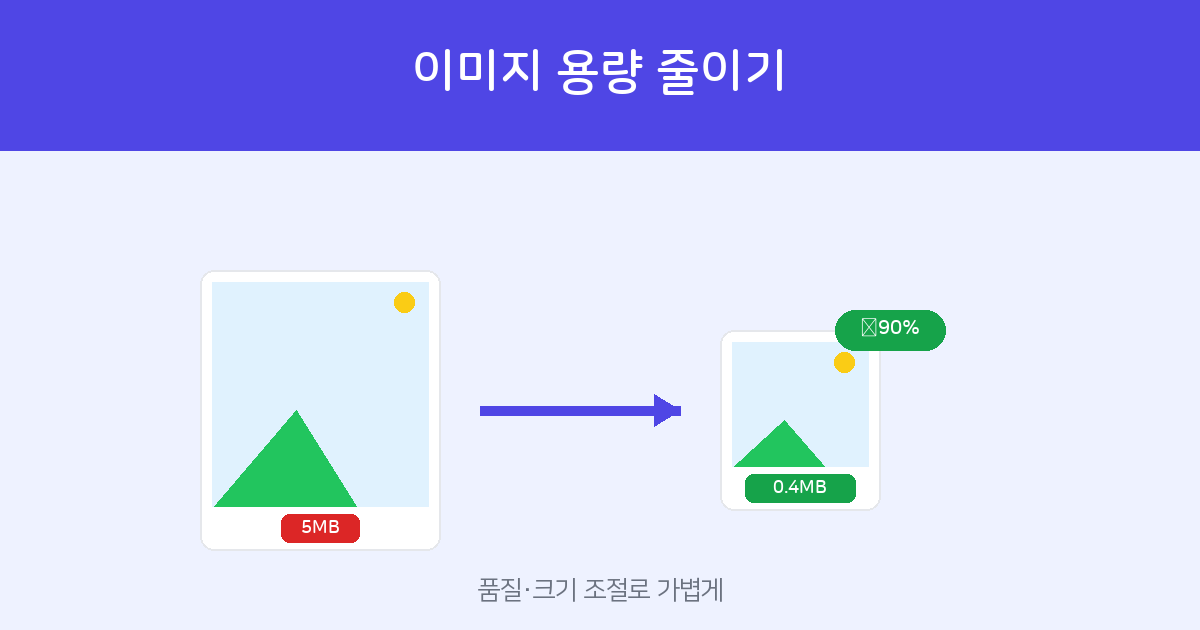
Pick a quality and maximum size, upload, and get a much smaller image. Multiple images are bundled into a ZIP. Free, no install or sign-up.
Compress images →How to reduce size — two steps
- Set quality and size — In image compression, choose the quality (around 70 is typical) and the maximum dimensions (width and height in px).
- Upload and download — Upload your image and it is compressed, showing the "original → result" sizes side by side. Download the result and you're done. Multiple images are bundled into a ZIP.
Two things that matter — quality and size
- Quality — This is the JPG compression strength. Lower it and the file gets smaller, but so does the image quality. At around 70, the difference is almost invisible to the eye while the file size drops sharply.
- Maximum size (px) — If the original resolution is huge, like 4000 px, simply scaling it down to 1280–2000 px slashes the file size. For web or document use, that resolution is more than enough.
Adjust both together and you can shrink the same photo to a tenth of its size.
Recommended settings by use case
| Use case | Recommended setting |
|---|---|
| Application form / board upload | Max 1280–2000 px, quality 70 |
| Email attachment (multiple) | Compress at quality 70, then bundle |
| For printing | Keep dimensions, set quality 80–85 |
Tools that pair well
If your iPhone photos are in HEIC and you need to change the format before compressing, run them through HEIC → JPG conversion first. For photos that need a specific format, such as ID photos, you can crop and prepare them in one step with ID photo maker.
Frequently asked questions
Q. Does the quality drop a lot?
At around quality 70, the file size drops a lot with a difference that's hard to notice. To shrink it further, lower the maximum size (px) as well.
Q. Can I upload PNG or HEIC?
Yes. You can upload a variety of formats, and they are saved as JPG after compression.
Q. Can I compress several images at once?
Yes. Upload multiple images and they are batch-compressed with the same settings and delivered as a ZIP.
Q. Is it free? Are my files stored?
It's free, and the images you upload are used only for compression and are not stored on the server.