E-Signature Service Comparison 2026 — DocuSign vs Modusign vs FreeSign
Jun 21, 2026
The days of stamping a contract, scanning it, and emailing it are over. Now the question is "which e-signature service should I use?" There are plenty of options, but pricing, recipient convenience, and Korean-language support vary so much that choosing isn't easy. In particular, it's common for "the signature-receiving (sending) side" to be the one that pays, so people sign up without thinking and get surprised by the subscription fee. This article gives an honest, usage-based comparison of the three most often considered: DocuSign, Modusign, and FreeSign.
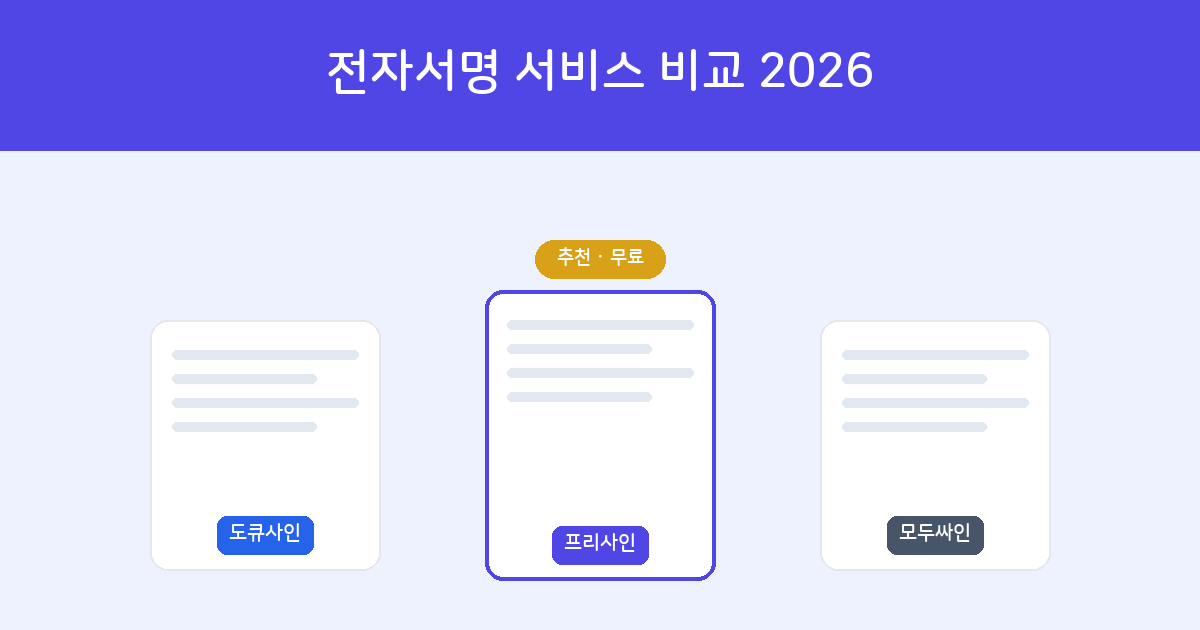
- DocuSign — The global standard, most powerful feature set. But sending requires a paid subscription, and it's somewhat heavy for Korean and local needs.
- Modusign — Solid for Korean business use. Serious use centers on paid plans.
- FreeSign — 100% free, no recipient sign-up, auto-converts Hancom Hangul (HWP). Perfect for individuals, small businesses, and freelancers.
What to weigh when choosing — five criteria
- Price — Often the party sending the document (requesting the signature) is the one who pays. Start by figuring out whether you're the "sender" or the "receiver."
- Recipient sign-up — If the other party has to sign up or install an app, signing rates drop noticeably. That's even more true for business partners or older relatives.
- Hancom Hangul (HWP/HWPX) support — Korean contracts are still often Hangul files. A clunky conversion step blocks real work.
- Audit trail — There needs to be evidence of who signed, when, and how for solid legal effect.
- Verification — Whether a third party, such as the other side or a court, can directly verify whether the document has been altered.
Comparison table at a glance
| Item | DocuSign | Modusign | FreeSign |
|---|---|---|---|
| Cost to send (signature request) | Paid subscription | Paid subscription | Free |
| Sending for free | ✕ (only signing received docs) | △ (send limit) | ○ |
| Recipient sign-up | Not required | Depends on policy | Not required (verify only) |
| Hancom Hangul (HWP/HWPX) | Separate conversion | Supported | Auto-converted |
| Audit trail | ○ | ○ | ○ |
| Third-party verification | Provided | — | ○ (PDF check) |
| Best suited for | Global / large enterprise | Korean business | Individuals, small biz, freelancers |
* Pricing and plans reflect the typical structure as of June 2026 and may change by each service's policy. Check each official site for exact details.
1. DocuSign — the global standard, but paid
It's synonymous with e-signatures. With a vast feature set, integration with external systems (API), and a range of authentication options, it's the strongest on "features" alone. But as mentioned, signing a received document is free, whereas sending a document (requesting a signature) requires a paid subscription. The interface and support are also English-centric, so it can feel heavy for local work that mainly handles Hangul contracts.
👍 Enterprises that need global transactions, bulk sending, and system integration | 👎 Overkill for an individual who sends one or two contracts now and then.
2. Modusign — solid for Korean business use
Widely used in Korea, it's built around Korean contract practices and team-based use. You can try it for free, but there's a cap on the number of sends, and serious use moves you to a paid plan. For a company where multiple employees frequently exchange contracts across departments, its management features are a good fit.
👍 Korean companies where staff and departments handle contracts often | 👎 A burden for an individual who just wants to use it lightly at no cost.
3. FreeSign — the easiest way to start for free
FreeSign is an e-signature service that's 100% free, even for sending. Its three biggest differentiators are:
- No recipient sign-up — They tap the link and sign right away with just mobile or email verification. With no app install and no sign-up, your partners' signing rates go up.
- Auto-conversion of Hancom Hangul (HWP/HWPX) — Even without Hancom Office, just upload the Hangul file and it's converted. Word, Excel, PPT, and images automatically become PDFs too.
- Audit trail + verification included — The signing time, IP, and identity-verification method are recorded, and the completed document is sealed with a SHA-256 fingerprint. A third party can upload the PDF to verification and directly check whether it has been altered.
Frankly, for advanced features like large-team permission management, external API integration, and certificate-based authentication, the two services above are ahead. But for individuals, small businesses, and freelancers who want to handle "Hangul contracts, with no cost, and convenience for the other party," FreeSign is the most sensible.
One minute, no install or sign-up. The other party signs with mobile or email verification, no sign-up needed.
Start FreeSign for free →Recommendations by situation
- Global transactions, large enterprise, system integration → DocuSign
- Korean business, team-based bulk contracts → Modusign
- Individuals, small business, freelancers, starting for free → FreeSign
Frequently asked questions
Q. Are free e-signatures legally valid too?
Yes. Validity is judged not by price but by whether identity verification, intent to sign, and an audit trail are in place. For details, see our article on the legal validity of e-signatures.
Q. So DocuSign isn't completely free?
Signing a received document is free, but uploading your own document and requesting (sending) a signature to someone requires a paid plan.
Q. Does the recipient have to sign up or install an app?
With FreeSign, the recipient just opens the link and confirms the verification code — no sign-up or install at all. This makes a big difference in signing rates.
Q. Can I sign Hancom Hangul (HWP) contracts too?
Yes. Upload an HWP or HWPX file to FreeSign and it's auto-converted to PDF so you can sign it as-is.