How to Create a QR Code Free — URL or Text to PNG, No Expiry
Jun 21, 2026
You want to put an ordering link on your restaurant menu, your Instagram handle on a business card, or a registration form on an event poster — but making customers type out a long URL is a non-starter. A single QR code solves this: point a camera at it and the link opens immediately. The catch is that most online QR generators either demand you create an account or give you a code that expires after a few days. This guide covers how to generate a permanent, no-expiry QR code from any URL or text, for free — no install, no sign-up required.
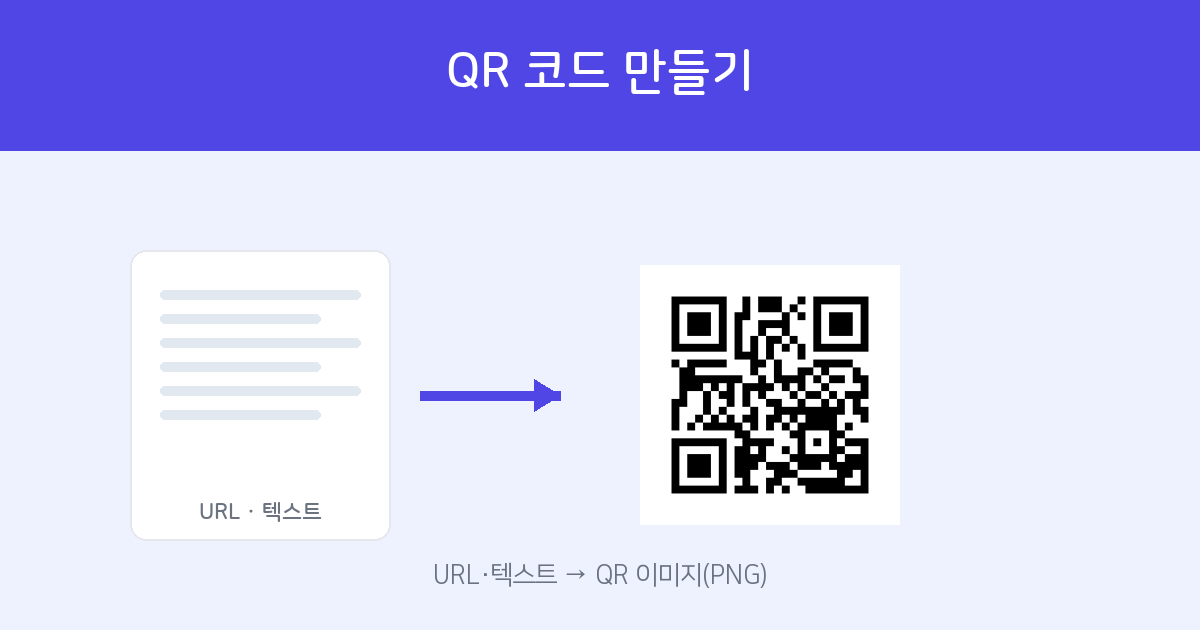
Type your content and the QR code appears instantly as a preview. Download as PNG and use it anywhere. Free — no install, no account.
Create QR Code →How to make one — 2 steps
- Enter your content — Open the QR Code Generator and type in the URL or text you want to encode (phone numbers, bank account details, an announcement message — anything works). The QR code preview updates as you type.
- Download as PNG — Save the generated QR code as a PNG file and drop it into any print material, webpage, or document.
Common uses
- Attach an ordering link or menu page to each table in your restaurant or café.
- Link your website, Instagram, or portfolio directly from a business card.
- Add a registration form or map link to an event poster or flyer.
- Share a long piece of text — account numbers, instructions — without anyone having to type it out.
Getting a cleaner, more scannable QR code
The longer the URL, the denser the QR pattern becomes — and a dense pattern is harder to scan when printed small. Run your link through URL Shortener first to simplify the QR code and improve scan reliability (a QR code is generated alongside the shortened link automatically). If you need a QR code specifically for a Wi-Fi password or contact card (vCard), use the dedicated Wi-Fi & vCard QR tool. To decode an existing QR code and see what it contains, use the QR Reader.
Turn any URL or text into a QR code. No expiry. Free — no install, no account.
Create QR Code Now →Frequently asked questions
Q. Will the QR code expire?
No. The content is encoded directly into the QR image itself, so once generated it works indefinitely — there is no server-side link that can be deactivated or expire.
Q. Can I encode non-Latin text or phone numbers?
Yes. You can encode any text — URLs, phone numbers, bank details, plain text in any language — not just standard URLs.
Q. Will it scan reliably when printed?
PNG is a lossless format, so the image stays sharp even when scaled up. It scans well as long as it isn't printed too small. For long URLs, shorten them first for best results.
Q. Is it free?
Yes. Completely free — no installation or account required.