How to Send Large Files — With One-Time Download Links (No Sign-Up for Recipients)
Jun 21, 2026
Email usually caps attachments at 25MB. So even slightly heavy files — edited videos, design drafts, bundles of high-resolution photos — trigger that frustrating "file too large to send" error. Splitting a file and sending it in pieces is tedious, and the recipient has to stitch it back together.
In cases like this, the simplest approach is to upload the file once and send a download link. The catch is that a link that lives on forever can leak to the wrong place, so a one-time link + auto-deletion approach is the safe way to go. This article covers how to send large files securely — without the recipient even needing to sign up.
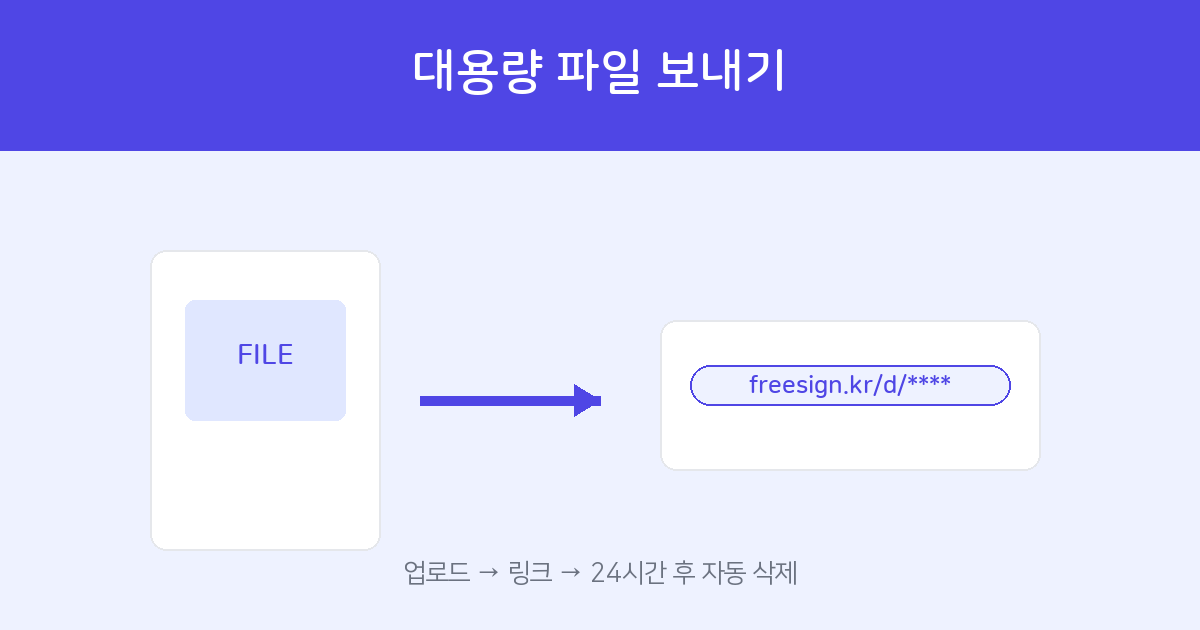
Upload a file and a link is generated. The recipient downloads it with no sign-up, and it auto-deletes after a set time.
Create a File-Sharing Link →How to Send — 3 Steps
- Log in — Sign in to File Share for free. No password needed; just a quick verification code gets you in.
- Upload your file — Drag and drop the file you want to send. The upload starts, and once it finishes a download link is created.
- Share the link — Copy the link and paste it into a messenger, email, or wherever you like. The recipient just clicks the link to download it instantly — no sign-up required.
Only the sender needs to log in; the recipient has no extra steps.
Why a "One-Time Link" Is Safer
Ordinary cloud share links, once created, tend to live on for a long time, drifting through group chats and email threads where they can spread unintentionally. A one-time link has a fixed lifespan, which dramatically reduces that risk.
- The file is automatically deleted 24 hours after upload.
- It's also auto-deleted 2 hours after the recipient first downloads it.
- In other words, once the handoff is done the link disappears on its own, minimizing the risk of leakage. This is especially useful for sensitive files like contracts and quotes.
A Quick Cleanup Before Sending Helps
- If your PDF is heavy → reduce the size first with PDF Compress. Both upload and download get faster.
- For several scattered PDFs → bundle them into one with Merge PDF to make it easier on the recipient.
- For multiple photos → combine them into a single document with Image to PDF.
Upload → share the link → auto-delete. No sign-up for recipients.
Try Sending Now →Frequently Asked Questions
Q. Does the recipient have to sign up too?
No. With just the link, they can download right away without signing up. Only the sender needs to log in.
Q. When is the file deleted?
It's automatically deleted 24 hours after upload, or 2 hours after the recipient first downloads it.
Q. Isn't it risky if the link leaks?
Because it's a one-time link, its lifespan is short and it's deleted soon after download. The risk of leakage is far lower than with links that linger indefinitely.
Q. Is it free?
Yes. You can use it for free.