Is the Contract You Received Genuine? How to Verify PDF Tampering (SHA-256 Fingerprint Check)
Jun 21, 2026
As convenient as e-signing has become, the recipient is bound to harbor a doubt at some point: "This PDF — could the amount or date have been quietly changed somewhere along the way?" With a paper contract you can gauge authenticity from the seal or handwriting, but with a PDF it's hard to spot forgery or tampering from appearances alone.
Fortunately, a PDF has a weapon paper lacks: the file's digital fingerprint. This article covers how to verify yourself whether the contract you received is genuine and whether its content hasn't changed by even a single character.
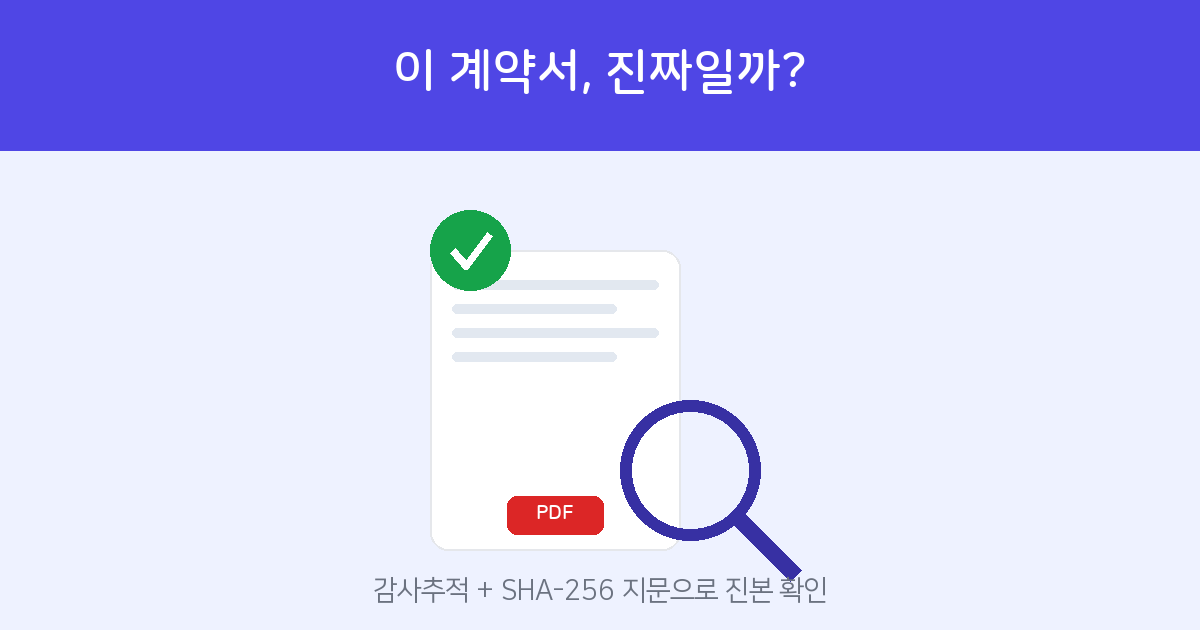
Why You Can't Catch PDF Tampering by Eye
A PDF is a format whose text and images can be edited. Handled skillfully, the amount, date, or signature position can change while the file still looks "perfectly fine." So instead of the human eye, two mechanisms tell the genuine from the altered.
- Audit trail — A record of who signed, when, from what IP, and by what method.
- Document fingerprint (SHA-256 hash) — A "digital fingerprint" that becomes completely different if the file's content changes by even one byte.
Method 1. Check the Audit Trail Certificate
A proper e-signature service generates an audit trail certificate (PDF) along with the signature once it's completed. It records the signer, signing time, access IP, and identity-verification method (email link, OTP, etc.), serving as evidence of "who agreed and when" if a dispute arises. FreeSign also stamps the document's unique identifier and signing completion time onto the completed document.
Method 2. Authenticity Check — SHA-256 Fingerprint Matching (Open to Third Parties)
The surest method is fingerprint matching. When the original signing is completed, that PDF's SHA-256 fingerprint is recorded on the server. Later, when you upload the completed PDF you hold, that file's fingerprint is recalculated on the spot and matched against the recorded genuine fingerprint to check whether they match. If the content changes by even one character — no, by even one byte — the fingerprint becomes completely different and is flagged as a "mismatch."
The key point here is that this is a "file comparison," not a "lookup." It doesn't search or open documents on the server; it only compares "is this file I'm holding right now identical to the genuine original?" As a result, the document's content and personal information are never exposed, and whether it's the counterparty or a court, anyone can verify safely as long as they hold the file.
Upload the completed PDF you hold and its fingerprint is recalculated to confirm authenticity and integrity in one second. The file is used only for matching and is not stored.
Try the Authenticity Check →Checklist When You Suspect Tampering
- Upload the PDF you hold to Authenticity Check and see whether the fingerprint comes back "matched." (A mismatch is a sign the file differs from the original.)
- Confirm that the signing time and signer on the audit trail certificate match what you know to be true.
- Check that the unique identifier and completion time stamped on the document remain intact and untouched.
- Cross-check core items like amounts, dates, and names against the copy the counterparty holds.
To Get Signatures Safely From the Start
Verifying after receipt matters, but exchanging documents through a service that leaves an audit trail and fingerprint from the start is the cleanest approach. FreeSign leaves an audit trail certificate and SHA-256 fingerprint on every completed document, so anyone can confirm authenticity even as time passes.
Free e-signing with audit trail + fingerprint matching included by default.
Start e-Signing →Frequently Asked Questions
Q. Do I need to sign up to do an authenticity check?
No. As long as you have the completed PDF, anyone can upload and match it without signing up.
Q. By what principle does it tell genuine from fake?
It recalculates the uploaded PDF's SHA-256 fingerprint on the spot and compares it against the genuine fingerprint recorded when the original was completed. If the content changes by even one byte, the fingerprint differs and it returns a "mismatch."
Q. Is the uploaded contract stored?
No. It's used only for fingerprint matching, and the content is not kept or viewed. Because it's a file comparison rather than a separate lookup, it's even safer.
Q. What should I do if the fingerprint comes back as a "mismatch"?
It means the file differs from the original (including editing, re-saving, or tampering). Re-match it against the original the counterparty holds.