What Is an HWPX File? Differences from HWP and How to Open It
Jun 21, 2026
Have you ever received a Hancom Hangul file and been thrown off because the extension wasn't the familiar .hwp but .hwpx? The names are similar, but inside they're quite different formats — and you're seeing it more and more in documents from public agencies and schools. This article lays out, all in one place, what HWPX is, how it differs from HWP, and how to open it without Hancom Office.
What Is HWPX?
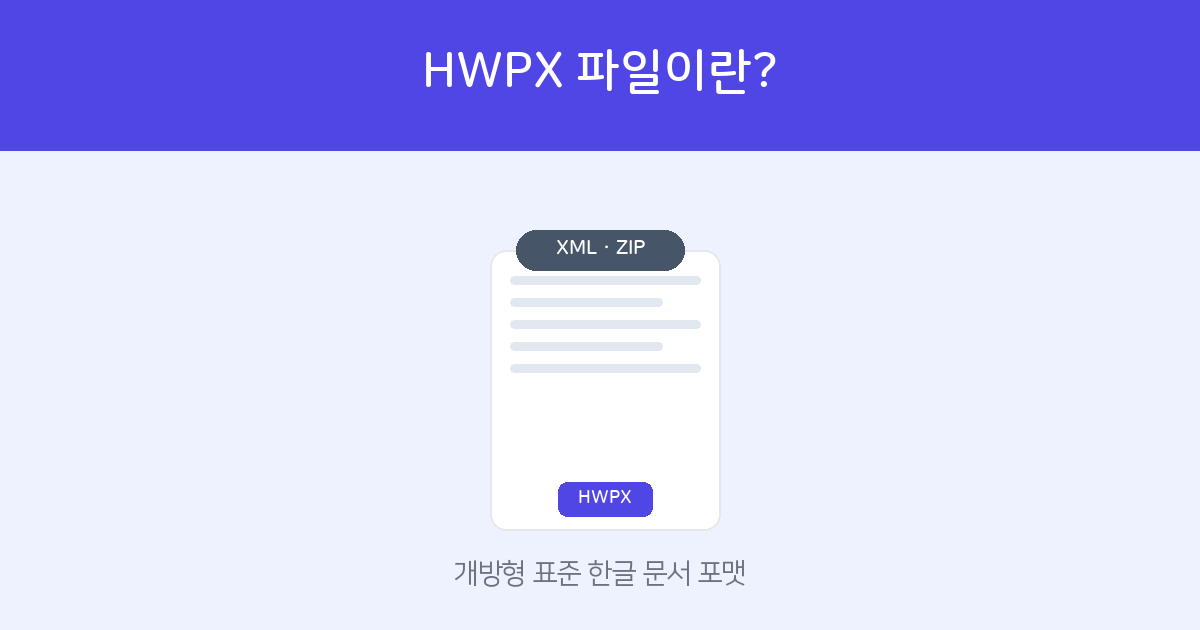
HWPX is the open document format of Hancom Office's Hangul word processor. Internally, it's a structure of
several XML files bundled into a ZIP — easiest to understand as the same approach as Microsoft Word's .docx.
Because it's based on a Korean national standard (OWPML, KS X 6101), it's designed to preserve and exchange data without being tied to a specific program.
Put simply, it's a more standardized, more stable "next-generation HWP."
HWP vs HWPX — What's Different
| Category | HWP | HWPX |
|---|---|---|
| Internal structure | Binary (closed) | XML + ZIP (open) |
| Standard | Proprietary format | Based on OWPML (KS X 6101) |
| Compatibility & preservation | Dependent on Hancom | Relatively superior |
| Data recovery | Difficult | Favorable for partial recovery |
| Recommended for | Legacy document compatibility | Public sector & long-term archiving |
The key is that the structure is an "open" standard. Because other programs can read its data easily even as time passes, adoption is growing for public and administrative documents that must be archived long-term.
How to Open HWPX Without Hancom Office
HWPX is, after all, a Hangul document, so it opens in Hancom Office — but you're fine without it.
- View directly on the web — Upload it to the Document Web Viewer and view it on screen with no install (mobile works too). For details, see How to Open Hangul Files Online.
- Convert to PDF — Use Hangul to PDF Conversion to save it as a PDF that opens anywhere, making sharing easy.
Upload it to the web viewer with no install or sign-up to check it right away, and save it as a PDF if needed.
Open the Document Web Viewer →An HWPX Contract You Received — Open, Convert, and Sign in One Go
If an HWPX contract needs a signature, just upload it to FreeSign — it's automatically converted to PDF so you can collect e-signatures right away. The other party signs with just phone or email verification, no sign-up required, and once it's done the audit trail is wrapped up too.
Free, with no install. Just upload the Hangul file as-is.
Explore FreeSign →Frequently Asked Questions
Q. Should I use HWPX or HWP?
If compatibility and long-term archiving matter, use HWPX; if compatibility with existing documents and environments comes first, use HWP. If the receiving end specified a format, just match it.
Q. Can I convert HWPX to HWP?
You can change the format via "Save As" in Hancom Office. If you need a PDF, use Hangul to PDF Conversion.
Q. Can I view HWPX on a phone too?
Yes. With the web viewer, it opens on iPhone and Android with no app install.
Q. Can I convert it to Word (DOCX) as well?
If you need to edit, convert it with Hangul to Word (DOCX) Conversion and edit it in Word.