Is DocuSign Free? A Truly Free E-Signature Alternative (Send & Sign at No Cost)
Jun 21, 2026
If you've ever searched "can I use DocuSign for free?", you've probably hit a wall already. Signing a document someone sends you is free, but uploading your own document and "requesting (sending) a signature" to the other party requires a paid subscription. For small-business owners, freelancers, and solo entrepreneurs who only send a handful of contracts a year, a monthly subscription is hard to justify. This article spells out exactly where DocuSign's free tier ends, and lays out how to send and receive signatures 100% free in Korea, even for Hancom Hangul documents.
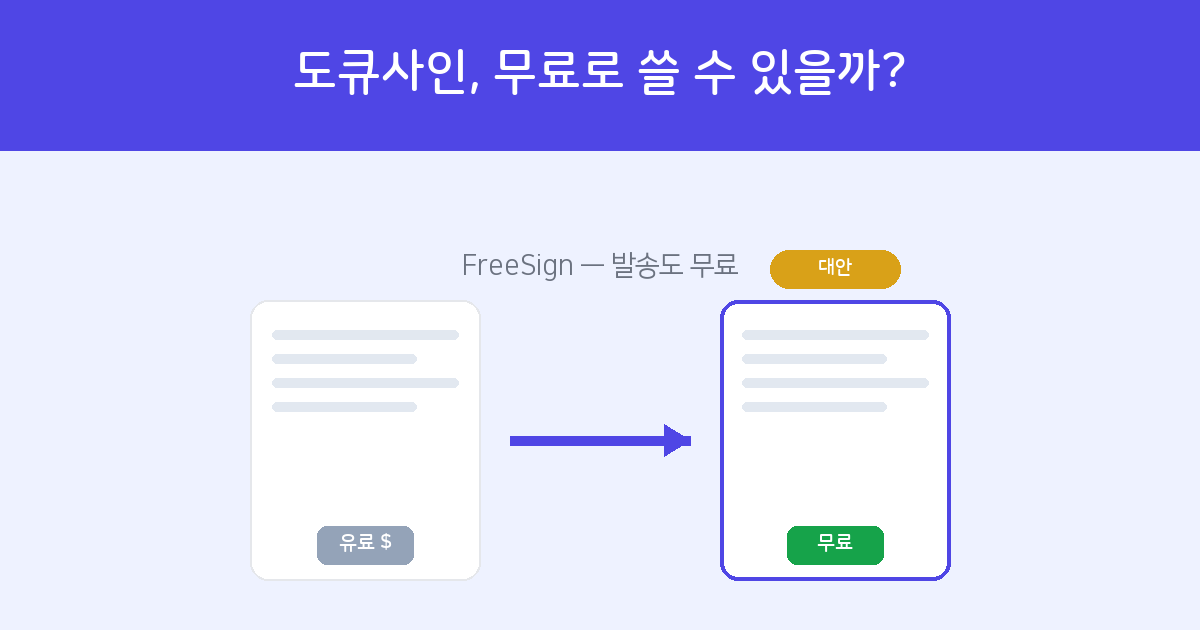
Where does DocuSign's free tier end?
DocuSign's pricing boils down to one line: "signing is free, sending is paid."
- What's free — Opening a document someone sent you via DocuSign, signing or stamping it, and replying.
- What requires payment — Uploading your own document and requesting (sending) a signature to someone else. It starts at a personal plan and usually comes with a monthly subscription plus a cap on the number of sends.
The catch is that in real-world work, the part we actually need is the "receiving a signature" side. A contract, consent form, or quote confirmation isn't finished until you send it and get the other party's signature — and that's precisely the paid part. Add an English-first interface and overseas card payment, and the barrier gets fairly high for an occasional local user.
If you want sending to be free too — and to send Hancom Hangul (HWP) contracts as-is — FreeSign is the simplest local alternative. There's no cost or sign-up for the sender or the signer.
Explore FreeSign →DocuSign vs FreeSign — at a glance
| Item | DocuSign | FreeSign |
|---|---|---|
| Sending a signature request | Paid subscription | Free |
| Sign-up for the recipient | Not required | Not required |
| Hancom Hangul (HWP/HWPX) | Weak native support (PDF conversion needed) | Auto-converted on upload |
| Interface & payment | English-first, overseas payment | Korean, no payment needed |
| Audit trail & verification | Provided | Included (free) |
To be honest, if you're a global enterprise that needs permission management across hundreds of people, ERP/CRM API integration, and advanced authentication based on in-person verification or certificates, DocuSign is the better fit. But if your goal is "free, in Korean, and fast," FreeSign is the more sensible choice.
How to sign electronically for free in Korea — three steps
- Log in — All you do at FreeSign is enter the one-time code (OTP) sent to your email. There's no separate password to create, so there's effectively no sign-up process.
- Upload a document and place signature fields — Upload a PDF, or a Word (DOCX), Hancom Hangul (HWP/HWPX), Excel, or image file, and it's converted automatically. Drag signature, name, date, and stamp fields onto the document wherever you want them.
- Send by link — Send to the recipient's email or mobile number, and they verify their identity and sign right away with no sign-up. Once everyone has signed, the completed document and audit trail are organized automatically.
No credit card required; just an email to get started.
Start FreeSign for free →Frequently asked questions
Q. It's free — is it legally valid?
Yes. The validity of an e-signature is judged not by price but by whether identity verification, intent to sign, and tamper protection (the audit trail) are in place. FreeSign records all three, so it can carry the same effect as a handwritten signature. For details, see our article on the legal validity of e-signatures.
Q. Can I move a document I received via DocuSign into FreeSign?
Yes. Download the received document as a PDF and upload it to FreeSign, where you can place signature fields the same way and send a signature request to someone else.
Q. Does the recipient have to install an app or sign up?
No. The recipient just opens the link from the text or email and confirms the verification code. With no app install and no sign-up, even older relatives or business partners can sign without any hassle.
Q. Can I send a Hancom Hangul (HWP) contract as-is?
Yes. Even without Hancom Office installed, just upload the HWP or HWPX file and it's auto-converted so you can send a signature request. It's especially convenient since HWP is the most common format in Korean practice.
Q. I want to compare more services.
Our 2026 e-signature service comparison lays out DocuSign, Modusign, and FreeSign in a table.