Free PDF Tools — Merge, Split, Compress, and Convert in One Place (No Installation)
Jun 21, 2026
If you've ever found yourself bouncing between a merge site, a compression site, and a conversion site just to handle a single PDF, you're not alone. Some tools stamp a watermark on your file. Others demand an account. And most won't touch a Hancom Hangul (HWP) file. You end up wasting more time searching for tools than actually getting the work done.
The FreeSign free PDF toolkit brings everything you commonly need — from merging to converting to signing — into one place. It runs entirely in your browser with no installation and no sign-up, and uploaded files are not stored after processing, so you can use it with confidence. Here's a quick overview of what's available and when each tool comes in handy.
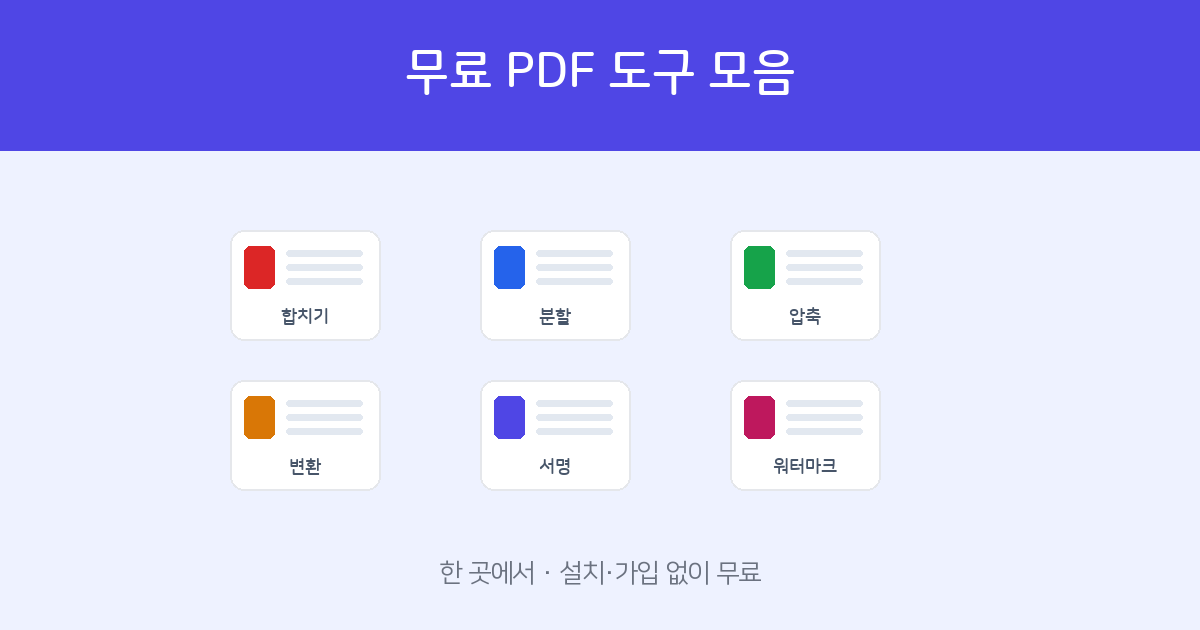
Pick any PDF tool from a single screen. Free — no installation or sign-up.
Open PDF Tools →1. PDF Editing — Merge, Split, and Organize
Tools for reshaping PDFs: combining multiple files, extracting the pages you need, and cleaning up the structure.
| Tool | Use it when… |
|---|---|
| PDF Merge | You want to combine multiple PDFs into one, with drag-and-drop reordering. |
| PDF Split | You want to extract specific pages or break a PDF into separate files. |
| Page Organizer | You want to reorder, rotate, or delete pages using a thumbnail view. |
| PDF Compress | You want to reduce file size without noticeable quality loss, for easier emailing or uploading. |
| Watermark & Page Numbers | You want to stamp "Confidential" or add page numbers to every page. |
| Fill & Sign | You want to type text or draw a signature directly on a PDF and submit it. |
| Password Protect & Remove | You want to lock a sensitive PDF with a password, or unlock one. |
2. Conversion — Switch Freely Between Formats
Tools for converting between images, Word documents, Hangul files, and PDF. Hancom Hangul (HWP) conversion is supported too, making this toolkit well-suited for Korean document workflows.
| Tool | Use it when… |
|---|---|
| Web Viewer / PDF Converter | You want to view PDF, Word, Hangul (HWP), or image files in your browser and save them as PDF or JPG. |
| Images → PDF | You want to combine multiple phone photos into a single PDF in order. |
| PDF → Word | You want to convert a PDF's text and tables back into an editable DOCX file. |
| Word → PDF | You want to convert DOC, DOCX, Excel, or PowerPoint files to PDF without layout breaking. |
| Hangul (HWP) → PDF | You want to convert an HWP or HWPX (Hancom Hangul) document to PDF for sharing. |
Why FreeSign Tools?
- Free · No installation or sign-up — Works on any PC or mobile device, right in the browser.
- Private — Uploaded files are discarded after processing and never stored on our servers.
- Hangul-friendly — Supports HWP and HWPX (Hancom Hangul XML format) conversion, with accurate Korean text rendering throughout.
- Signing in one flow — Once your document is ready, collect electronic signatures directly, or use document verification to check for tampering.
Merge, split, compress, convert, and sign — all free.
Browse All Tools →Frequently Asked Questions
Q. Is everything really free?
Yes. All tools are available at no cost, with no installation, no account, and no watermarks on the output.
Q. Can it handle Hancom Hangul (HWP) files?
Yes. Hangul (HWP) to PDF conversion and in-browser viewing of Hangul documents are both supported. The toolkit is built with Korean document workflows in mind, including accurate Korean text rendering.
Q. Is it safe to upload my files?
Files are not stored after processing. Once conversion or editing is complete, they are deleted from the server.
Q. Does it work on mobile?
Yes. Most tools work as-is in iPhone and Android browsers.