Merge PDF Files — Combine Multiple PDFs into One (Free, Reorder Pages)
Jun 21, 2026
When you send a quote, contract, and supporting documents as separate files, the recipient has to download each one and open them in order — which is a hassle for everyone. The cleaner solution is to merge multiple PDFs into a single file before sending. The key is getting the order right. When you're in a hurry, it's easy to end up with attachments appearing before the cover page or sections completely out of sequence. This guide covers how to merge PDFs in the exact order you want — free, with no software to install.
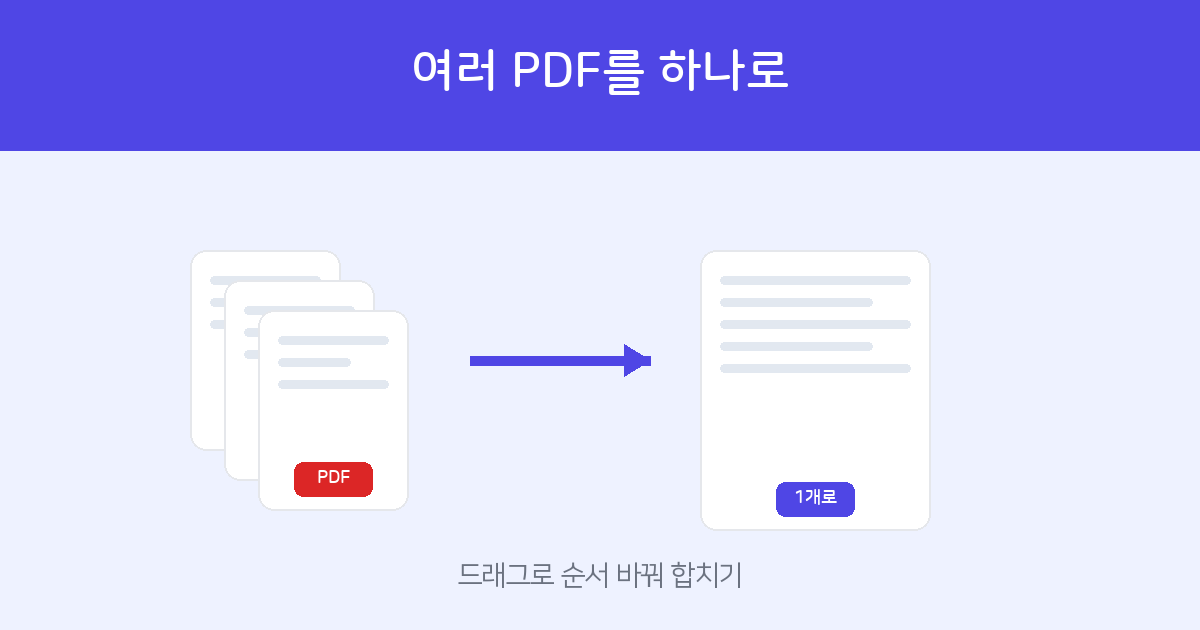
Upload your PDFs, drag the thumbnails to set the order, then merge. Free — no installation or sign-up needed.
Merge PDFs →How to Merge Online — 3 Steps
- Add PDFs — Select multiple files at once or drag and drop them onto the page.
- Reorder — Drag files in the list to rearrange them. The file at the top becomes the beginning of the merged PDF.
- Merge & Download — Click "Merge PDFs" and download the combined file immediately.
When Is This Useful?
- Submitting a contract body together with supporting documents (ID, business registration certificate, etc.) as a single file.
- Binding a multi-page scanned document back together in the correct order.
- Sending a proposal with its cover page, main body, and quote sheet combined into one.
Tools That Work Well Before or After Merging
- If the merged PDF is too large → use PDF Compress to reduce the file size before emailing it.
- If you have a mix of Word, Hangul (HWP), or images → convert them to PDF first with the Document Web Viewer / PDF Converter, then merge.
- If you only need specific pages from a file → use PDF Split to extract those pages first, then merge.
- If the merged document needs a signature → collect signatures directly with electronic signing.
Drag to reorder, then merge. Free — no installation or sign-up.
Merge PDFs →Frequently Asked Questions
Q. Can I freely change the order of files?
Yes. Before merging, drag files in the list to arrange them in any order you like. The page order within each file is also preserved exactly as-is.
Q. Is it free? Are my files saved?
It's completely free. Uploaded files are used only for the merge operation and are not retained afterward.
Q. How many files can I merge? Is there a size limit?
There is no limit for typical document sizes. Very large files may take a bit longer to process — compressing them with PDF Compress first can speed things up.
Q. Can I merge password-protected PDFs?
Password-protected files cannot be merged for security reasons. Please use the PDF Password tool to remove the password first, then upload.