How to Split a PDF — Extract Specific Pages or Break It into Several Files (Free)
Jun 21, 2026
"Submit just the business-plan section out of the 200 pages," or "Send me only the signed page of the contract" — these are requests you run into constantly when exchanging documents. Sending the whole thing exposes unnecessary content, while printing each page and re-scanning is a hassle. That's exactly when you need to split a PDF. This article covers how to pull only the pages you want from a PDF, or break a long document into several files — for free, with no install.
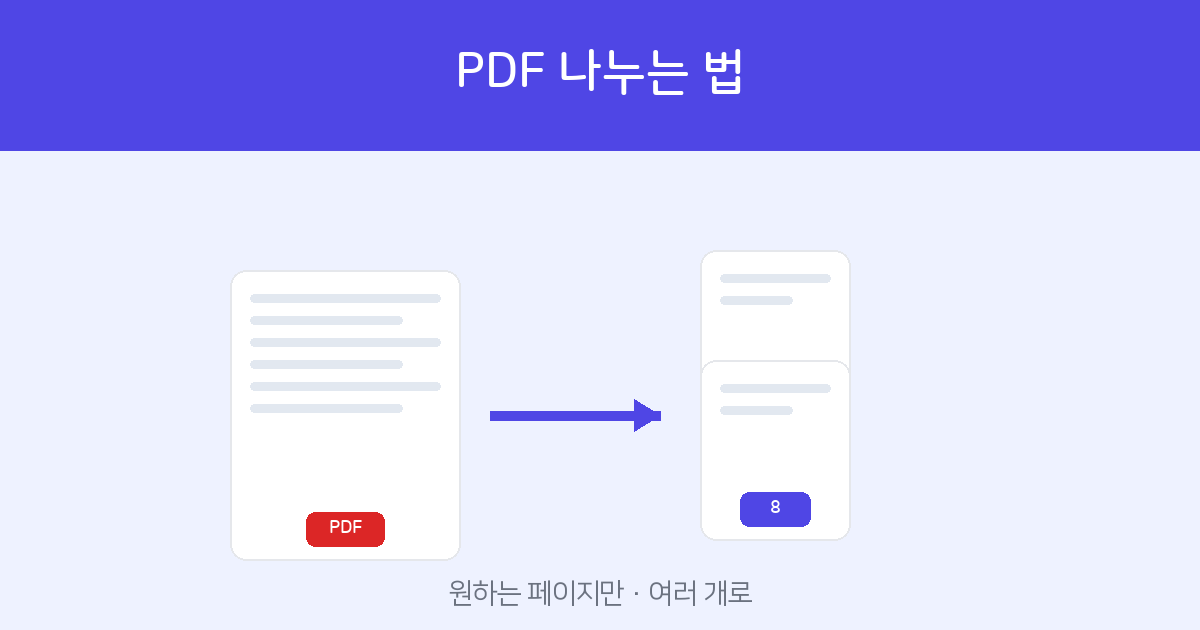
Upload a PDF, specify pages like "1-5, 8," and get just those pages as a single file. Free, with no install or sign-up.
Split PDF →Two Approaches
- Range extraction — Pull only the pages you want (e.g.,
1-5, 8, 11-13) into a single file. Perfect for "submit specific pages only." - Split into single pages — Break a long PDF page by page into multiple files. Useful when each page needs to be managed separately.
How to Split It Online — 3 Steps
- Upload the PDF — Upload your file to Split PDF and you can preview every page.
- Specify pages — Enter the pages to pull out, like
1-5, 8, 11-13. Use a hyphen for continuous ranges and commas for separate pages. - Split & download — Click "Split" and a result containing only the specified pages is generated for immediate download.
When It's Useful
- When you need to peel off just the relevant chapter from a long report or plan to submit.
- When you want to extract only the signed/sealed page from a contract and send it.
- When you need to split a scanned file that bundles several items into individual items for archiving.
Tools Worth Pairing With This
- To do the opposite and merge several PDFs into one → Merge PDF
- If the split file is heavy → PDF Compress
- If the extracted page needs a signature → e-Signature
Enter the range and you're done. Free, with no install or sign-up.
Split PDF →Frequently Asked Questions
Q. Can I pull non-consecutive pages at once?
Yes. Mixing ranges and single pages like 2-4, 7, 11-13 gathers even scattered pages into a single file.
Q. Does the original PDF get changed or deleted?
No. The original is left untouched; the specified pages are copied to create a new file.
Q. Is it free? Are my files stored?
It's free, and uploaded files are used only for splitting — nothing beyond the result is kept.
Q. Does it work on password-protected PDFs?
For security, password-protected files aren't processed. Remove the password with the PDF Password tool first, then upload.